You want a WhatsApp number that answers by itself: opening hours, order status, “we got your message, a human will reply soon”, or a full AI assistant. You don’t want to write and host a backend to do it.
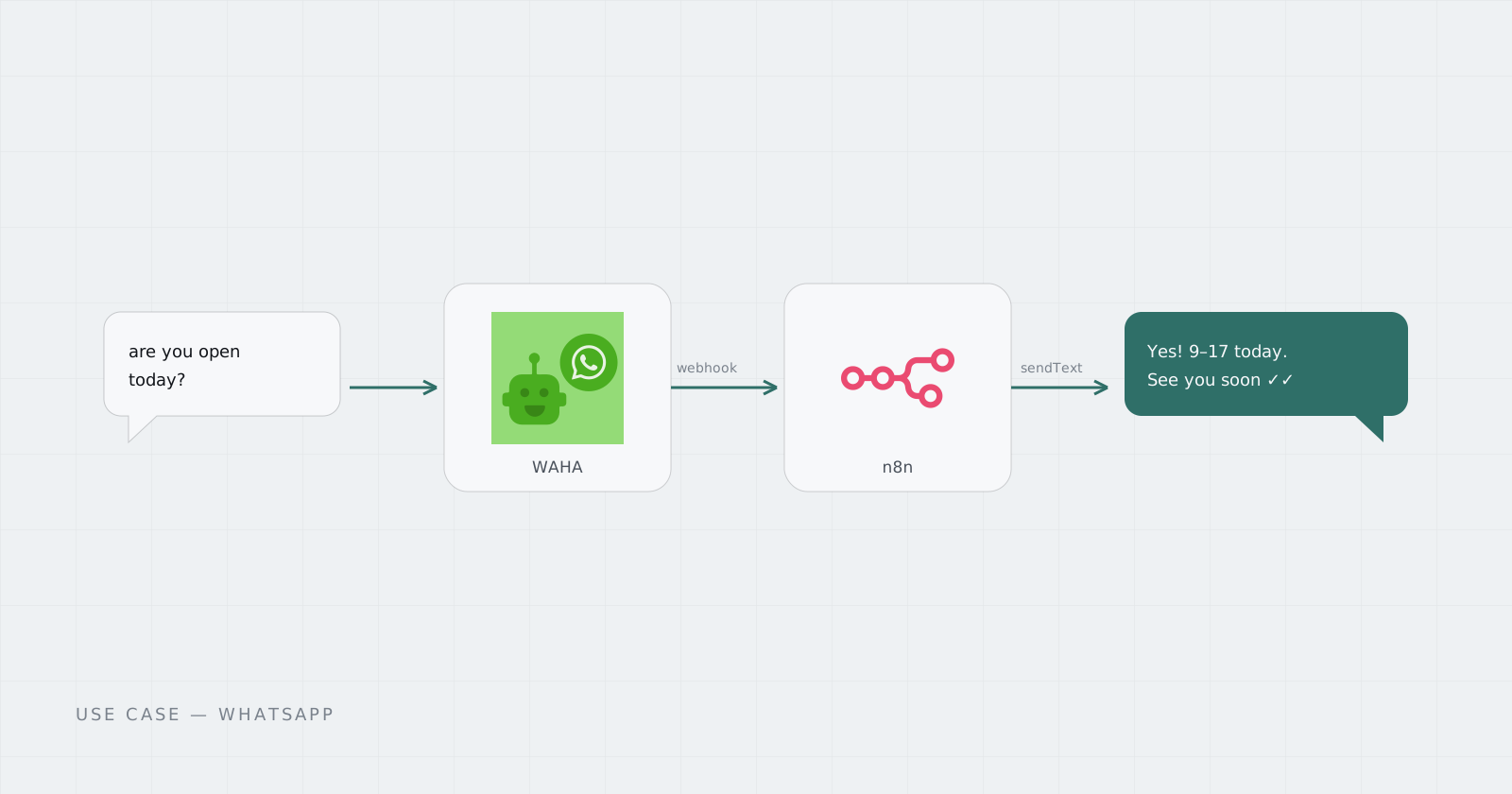
WAHA turns a WhatsApp number into a REST API with webhooks. n8n turns webhooks into workflows. Put them together and an auto-reply is three nodes.
How the pieces connect
- Someone messages your number.
- WAHA receives it and POSTs a
messageevent to a webhook URL. - n8n catches the webhook, decides what to say, and calls WAHA’s
sendTextendpoint. - The reply arrives in the same chat.
Step 1: Link your number in WAHA
Open the WAHA dashboard, start the default session, and scan the QR code with WhatsApp on your phone (Linked devices → Link a device). The session status goes to WORKING. Our WAHA API guide covers sessions in more detail.
Step 2: Create the webhook in n8n
Add a Webhook node in n8n, set the method to POST, and copy its production URL. (The test URL only listens while the editor is open; n8n webhooks explained covers the difference.)
In WAHA, add that URL as the session’s webhook and subscribe to the message event.
Step 3: Filter, then decide the reply
Add an IF node right after the webhook so the bot ignores things it shouldn’t answer:
payload.fromMeistrue: your own messages.payload.fromends with@g.us: group chats.
Then decide what to say. Start simple with a Switch on keywords (“hours”, “price”, “status”) and add an AI Agent node later for free-form answers.
Step 4: Send the reply
Add an HTTP Request node:
POST https://your-waha-address/api/sendText
Header: X-Api-Key: <your WAHA key>
Body (JSON):
{
  "session": "default",
  "chatId": "{{ $json.payload.from }}",
  "text": "Thanks! We're open 9–17, Mon–Fri. A human will reply soon."
}
Activate the workflow and message your number from another phone. The reply should arrive within a second or two.
Keeping the number healthy
WAHA is an unofficial client, and WhatsApp can block numbers that behave like spam. Reply to people who write to you, keep volume human, and don’t cold-message lists. If you need outbound marketing at scale, read WAHA vs the WhatsApp Cloud API first.
Run both without a server
Both apps need to stay online and reach each other over HTTPS. The WhatsApp Automation Solution sets up WAHA and n8n, each in its own Pod with its own Address, as one subscription at a bundle price. You scan the QR and build the workflow; the Pods stay up.
Questions
Do I need the official WhatsApp Business API for auto-replies?
No. WAHA links a regular WhatsApp number as a device, so n8n can reply through it without Meta approval or templates. For high-volume customer messaging, the official Cloud API is the safer choice.
Can the auto-reply use AI?
Yes. Put an AI Agent or LLM node between the webhook and the reply in n8n. Pointing it at a router such as 9Router lets you choose and switch models without editing the workflow.
Will the bot reply to my own messages or to groups?
It will unless you filter them. Add an IF node that drops events where fromMe is true, and group chats (IDs ending in @g.us), unless you want those.