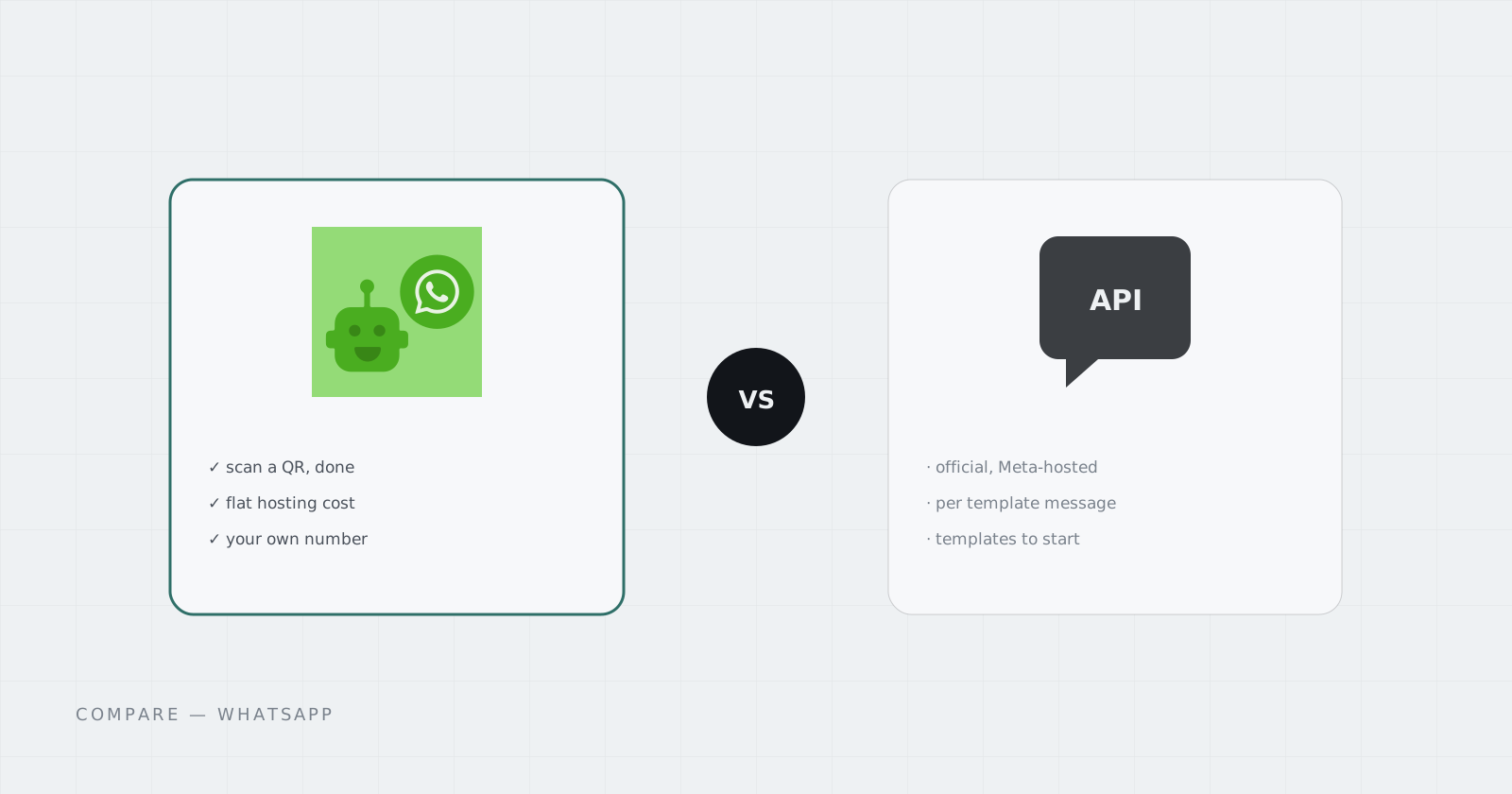
If you want software to send and receive WhatsApp messages, there are two roads. Meta’s WhatsApp Cloud API is the official one. WAHA (WhatsApp HTTP API) is the self-hosted one that links a regular WhatsApp number the way WhatsApp Web does. They solve the same problem with very different trade-offs.
Short answer: use the Cloud API for customer-facing messaging at scale, where compliance matters. Use WAHA for personal numbers, internal alerts, prototypes, and small teams that want a REST API today without an approval process.
How the Cloud API works
The Cloud API is hosted by Meta. You create a Meta business app, register a phone number, and send messages over Graph API calls.
- Pricing is per message. Since July 1, 2025, Meta charges for each delivered template message. The price depends on the category (marketing, utility, or authentication) and the recipient’s country. Marketing is the most expensive.
- Replies inside 24 hours are free. When a customer messages you, a 24-hour customer service window opens. Free-form messages in that window cost nothing, and so do utility templates.
- Outbound starts with a template. To message someone first, or after the window closes, you need a pre-approved message template.
- The number belongs to the API. A number registered on the Cloud API can’t be used in the normal WhatsApp app at the same time.
It’s the right tool when you send notifications to thousands of customers, need a verified business profile, or have a compliance team asking what you’re allowed to do.
How WAHA works
WAHA runs a WhatsApp session you own. You scan a QR code with your phone, exactly like linking WhatsApp Web, and WAHA exposes that session as REST endpoints and webhooks. (Our WAHA API walkthrough covers the calls.)
- No per-message fee. You pay for the server it runs on, not for each message.
- No templates or approval. Send any message your number could send by hand.
- Your existing number. It keeps working on your phone too, because WAHA is just another linked device.
- The catch is the terms. WAHA’s documentation is direct about it: WhatsApp doesn’t allow unofficial clients, and there’s no guarantee a number won’t be blocked. Bulk or spammy sending is the fastest way to lose one.
Side by side
| WhatsApp Cloud API | WAHA | |
|---|---|---|
| Status | Official, Meta-hosted | Unofficial, self-hosted |
| Cost | Per delivered template message, by country | Flat hosting cost |
| Message templates | Required to start conversations | Not needed |
| Setup | Meta app, business portfolio, number registration | Scan a QR code |
| Same number in the phone app | No | Yes |
| Ban risk | Low when you follow policy | Real; keep volume human |
| Best for | Customer messaging at scale | Personal and internal automation, prototypes |
Which one to pick
Pick the Cloud API if you message customers who didn’t write to you first, send marketing, or need to show auditors an official integration.
Pick WAHA if you want WhatsApp alerts from your own systems, a bot on a personal or team number, or a working prototype this afternoon. Pair it with n8n and you get WhatsApp auto-replies without writing a backend.
Plenty of teams do both. They build the workflow on WAHA, prove it’s useful, and then move the customer-facing part to the Cloud API.
Running WAHA without a server
WAHA needs to stay online, keep its session on disk, and be reachable over HTTPS for webhooks. On Cadesia that’s one Pod: pick WAHA in the App Library, name the Pod, and scan the QR. If you want the replies wired up too, the WhatsApp Automation Solution sets up WAHA and n8n together at a bundle price.
Questions
Is WAHA an official WhatsApp API?
No. WAHA connects to WhatsApp the way WhatsApp Web does, as a linked device. Its own documentation says WhatsApp does not allow unofficial clients and that blocking is possible, so treat it as best suited to personal numbers, internal tools, and low-volume use.
How much does the WhatsApp Cloud API cost?
Access is free, but Meta charges per delivered template message since July 1, 2025. Rates depend on the category (marketing, utility, authentication) and the recipient's country. Free-form replies inside the 24-hour customer service window are free.
Can I switch from WAHA to the Cloud API later?
Yes. The usual path is to prototype the workflow with WAHA and n8n, then point the same n8n workflow at the Cloud API once volume, compliance, or a verified business profile makes it worth the setup.