WhatsApp Automation
Build WhatsApp automations without VPS setup
WAHA connects a WhatsApp number over HTTP; n8n turns its messages into replies, alerts, and workflows.
AI agents, automations, WhatsApp APIs, monitoring and more. Starting at $2.99/month. Every App gets its own isolated Pod with an HTTPS Address, persistent storage, logs, and a terminal.
Every Pod ships with
Solutions
Pick an outcome and we pick the Apps. Each App still runs in its own Pod; multi-App Solutions are one subscription at a bundle price.
WhatsApp Automation
WAHA connects a WhatsApp number over HTTP; n8n turns its messages into replies, alerts, and workflows.
AI Automation Stack
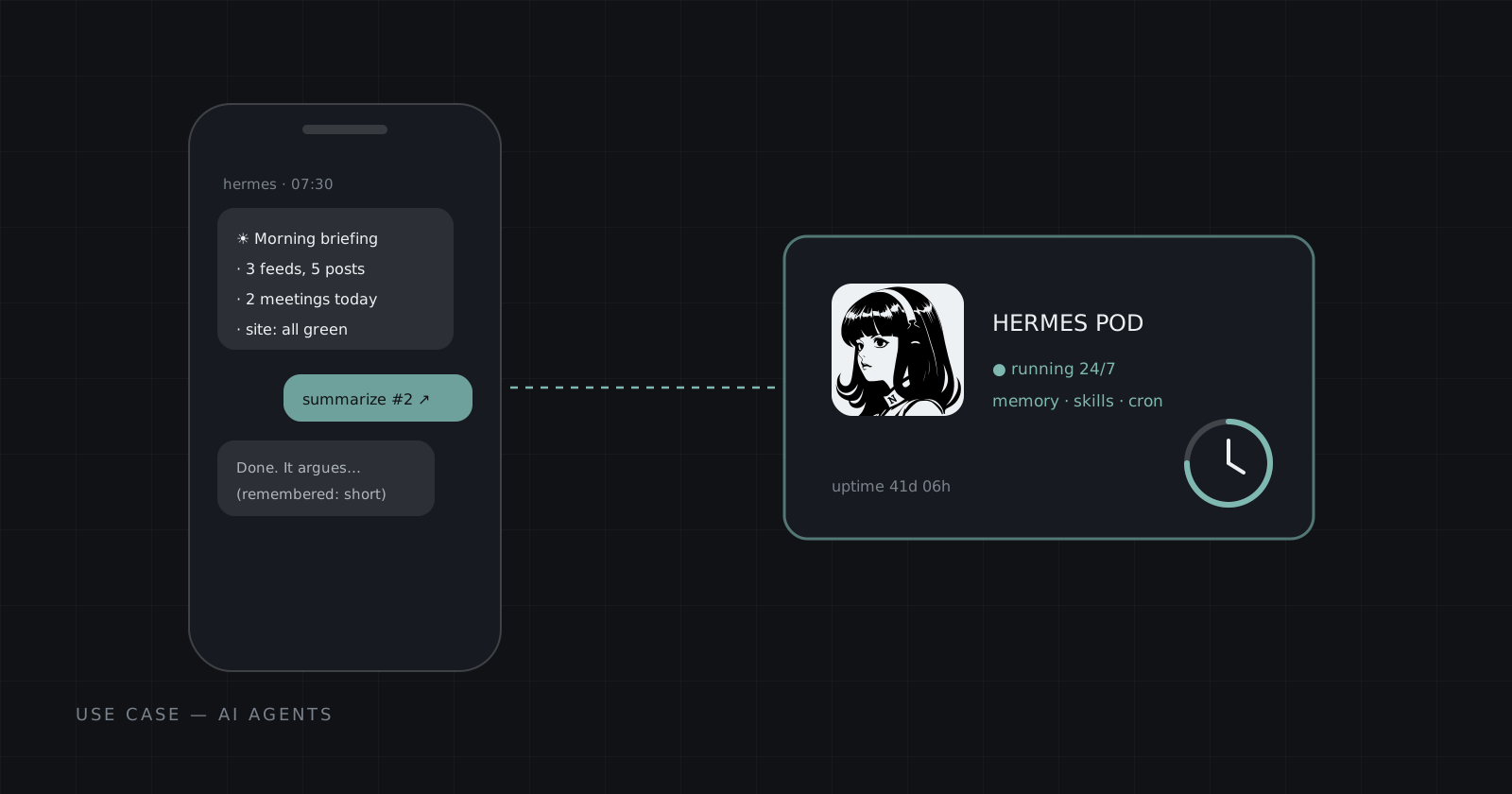
Hermes reasons and acts; n8n wires it into the rest of your tools on a schedule or a webhook.
AI Agent Router
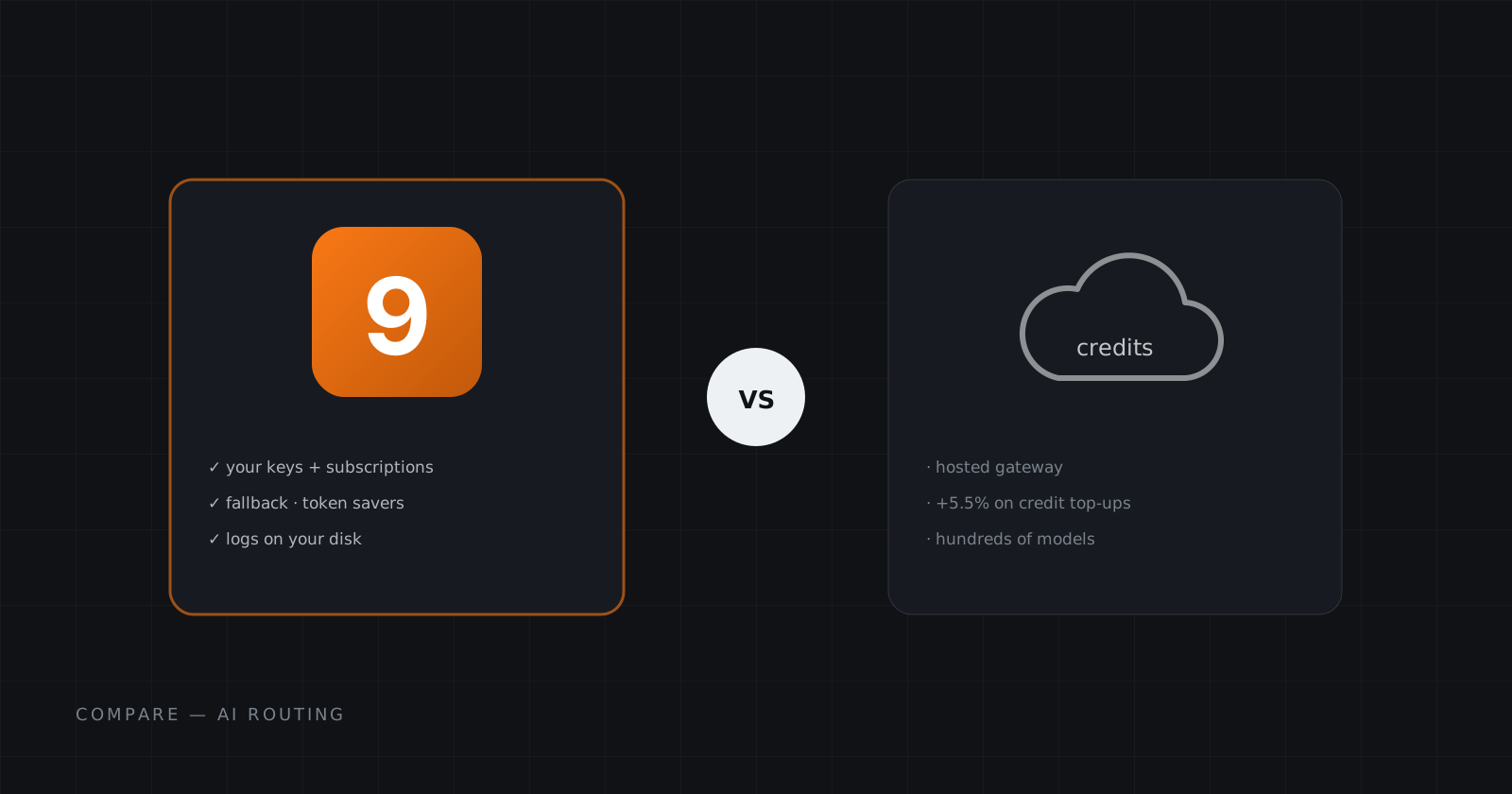
Hermes runs your agent; 9Router gives it an OpenAI-compatible endpoint for routing requests to AI models.
Workflow AI Router
n8n runs your workflows; 9Router provides an OpenAI-compatible endpoint for their AI requests.
AI Agent Starter
Hermes on its own Pod with a persistent disk, so your agent keeps its memory, skills, and history between runs.
Automation Starter
Your own n8n with its own Address. Connect your tools and schedule workflows without renting or patching a VPS.
Website Monitor
Uptime Kuma checks your sites and APIs around the clock and alerts you the moment one goes down.
USD per month. Bundle prices cover every Pod in the Solution.
Why Cadesia Pod
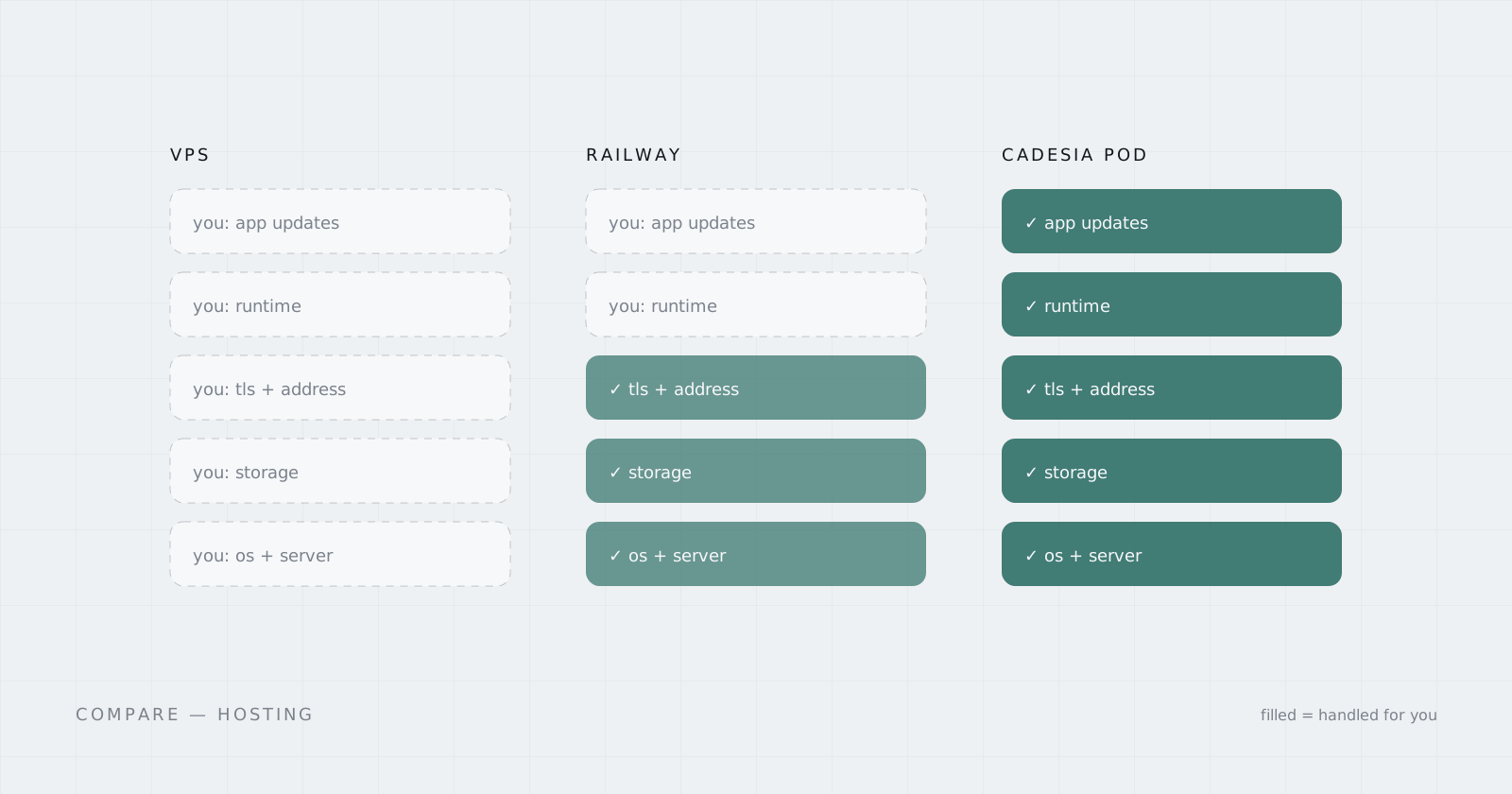
Running an app shouldn't start with a VPS, Docker, TLS, a reverse proxy, and guessing how much RAM it needs. The App already comes with the resources and runtime it needs.
Doing it yourself
With Cadesia
Runtime, networking, and infrastructure are handled by Cadesia.
App Library
No server sizing, no YAML, nothing to set up. Every App runs in its own isolated Pod with resources chosen for the workload, persistent storage, and its own generated Address.
 Agents
Your own always-on AI agent runtime.
Hermes Agent with its own dashboard, memory, skills, and integrations.
 Automation
Workflow automation without running the server yourself.
Build workflows, connect services, expose webhooks, and keep your automation running inside its own Pod.
 Messaging
A WhatsApp HTTP API in its own Pod.
Connect linked devices to your apps using REST APIs and webhooks without running WAHA yourself.
 Monitoring
Simple uptime monitoring you control.
Monitor services, publish status pages, and send alerts from your own Uptime Kuma instance.
 AI
AIA self-hosted AI router with an OpenAI-compatible endpoint.
Route model calls through your own 9Router Pod — dashboard and OpenAI-compatible /v1 API on one Address.
 AI
AIA multi-provider AI gateway with a bundled Redis.
Proxy every provider through one OmniRoute Pod — dashboard plus OpenAI-compatible /v1 endpoint on a single Address.
Hosted in the EU. Currently available in Germany, with more regions planned.
USD per Pod per month. Resources are configured for each App.
How it works
Four steps in the console. Cadesia does the infrastructure in between.
Browse the App Library and pick what you want to run. Each App comes with resources tuned for its workload and one simple monthly price.
Name your Pod and fill in the App-specific setup fields. An admin password here, an API key there. Secrets stay inside your Pod environment.
Review the App, resources, and monthly price. Hit Create Pod and Cadesia provisions the runtime, storage, networking, and generated Address.
Once the Pod is Ready, open the App directly from its Address. Logs and terminal access remain available from the Cadesia console.
What a Pod gets
Not a shared account. Not a seat inside someone else's instance.
Every Pod runs separately from other customer Pods. Its application data, secrets, processes, and traffic stay inside its own runtime.
Every Pod gets its own generated HTTPS Address. Open the App from anywhere without configuring a server or reverse proxy.
Each App gets persistent storage for the data that needs to survive restarts and redeployments.
Stream logs and open a terminal into your Pod from the Cadesia console when you need to look under the hood.
Cadesia runs the underlying infrastructure, networking, runtime platform, and orchestration. You use the App.
Pricing
No per-seat pricing, no infrastructure calculator, and no surprise resource math. Cadesia charges no per-execution or per-message fees.
Included with every Pod
USD per Pod per month. Resources are configured for each App. Billed monthly in USD. Cancel to stop the next renewal. Your Pod stays available until the paid period ends. See all 6 Apps in the library →
The Platform
Cadesia is building infrastructure around workloads instead of servers. Products live on top of platform layers. They are not the platform itself.
Read the charterManaged isolated runtimes for apps and agents. Choose an App and run it as its own Pod at console.cadesia.com.
Open the consoleThe machine layer for inference and general-purpose workloads. Run workloads on Cadesia infrastructure and scale across additional machines and regions as the platform grows.
Questions
Everything you need to know before your first Pod.
One running App with its own runtime, resources, persistent storage, and Address. You choose the App and name the Pod. Cadesia runs it.
No. Each App comes with resources configured for its workload. You choose the App, not the server.
Currently on Cadesia-managed infrastructure in Germany, EU. More regions are planned.
Yes. Each App includes persistent storage for its application data.
A ready-made set of Apps for one outcome, like WhatsApp Automation (WAHA + n8n). Each App still runs in its own Pod. A multi-App Solution is one subscription at a bundle price, cheaper than buying the Apps one by one.
Each Pod has one flat monthly price in USD. Canceling stops the next renewal, and the Pod remains available until the end of the paid billing period.
Yes. The App is available through its generated HTTPS Address. Logs and terminal access are available from the Cadesia console.
Ready when you are
Pick an App. Name your Pod. Cadesia handles the rest.