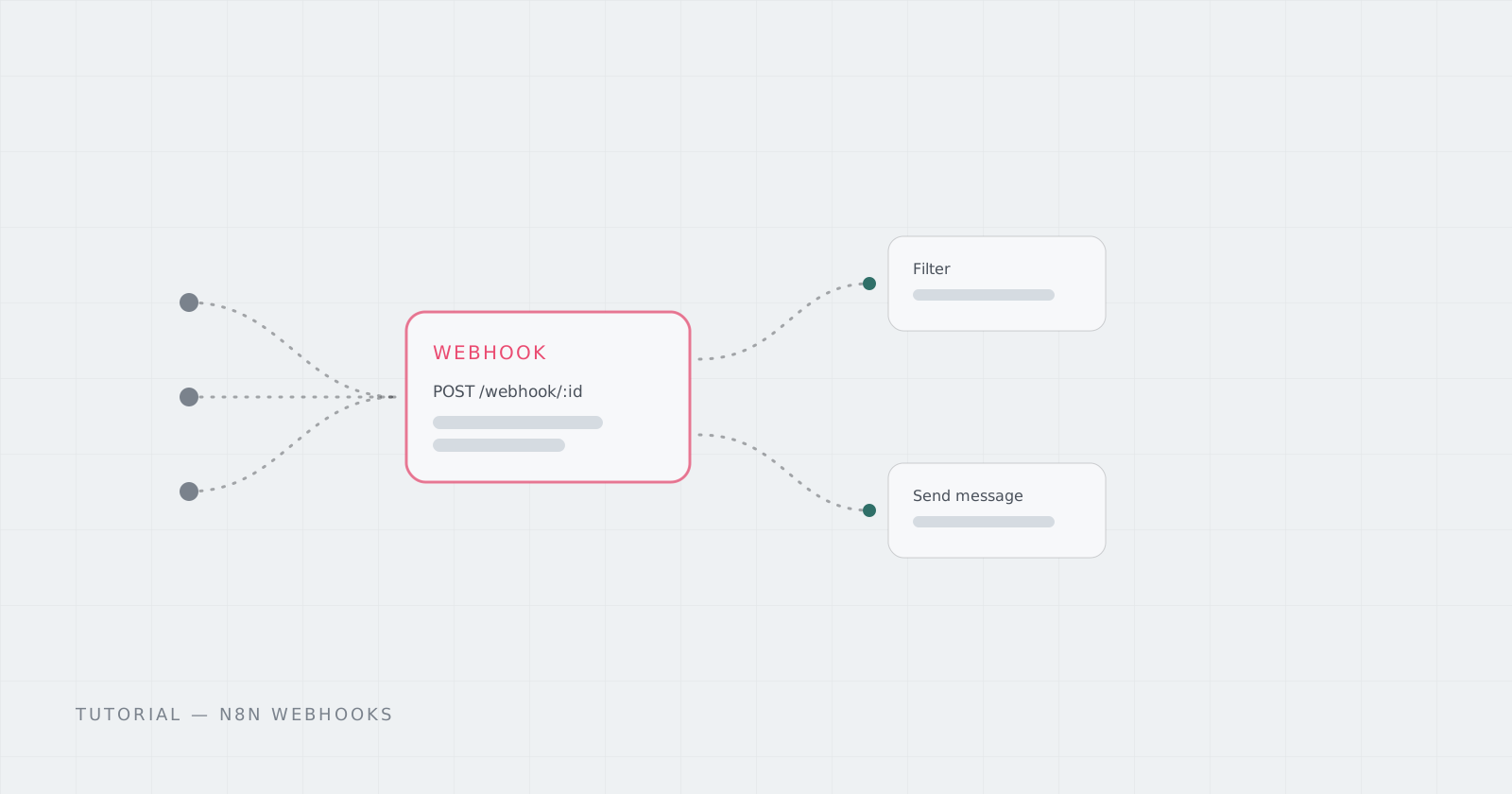
Almost every automation starts the same way: something happens somewhere else — a form submit, a Stripe event, a GitHub push, a cron ping — and your workflow needs to hear about it. In n8n, that’s the Webhook node.
Test URL vs production URL
Every Webhook node gives you two URLs:
- Test URL — active only while you’re listening in the editor; the incoming payload shows up as workflow output so you can build against real data.
- Production URL — live once the workflow is activated; events hit it without the editor open.
Build with the test URL, then activate — the same flow keeps working on the production URL.
Response modes matter
The node can respond immediately (200 OK and your workflow keeps running) or wait and respond from a Respond to Webhook node downstream — useful when the caller needs a computed answer, like a chatbot reply or a validation result. If the caller is a strict service with a timeout, respond fast and do the work asynchronously.
Secure it before it’s public
A webhook URL is unguessable-ish, but not a real secret. n8n 2.x added verified webhooks across fourteen trigger nodes — signature verification where the provider supports it. Use it, or check an auth header yourself in the workflow.
curl -X POST https://your-pod-address/webhook/my-endpoint \
  -H "Content-Type: application/json" \
  -d '{"event": "signup", "email": "user@example.com"}'
One thing webhooks need: a stable address
Webhooks die when the machine behind them sleeps, ships, or changes hostname. That’s the awkward part of running n8n on your laptop or a disposable VM — the URL you registered everywhere disappears.
The Pod card below keeps n8n always-on at a fixed HTTPS Address, with your workflows and credentials on persistent storage. Register the webhook URL once; it stays.