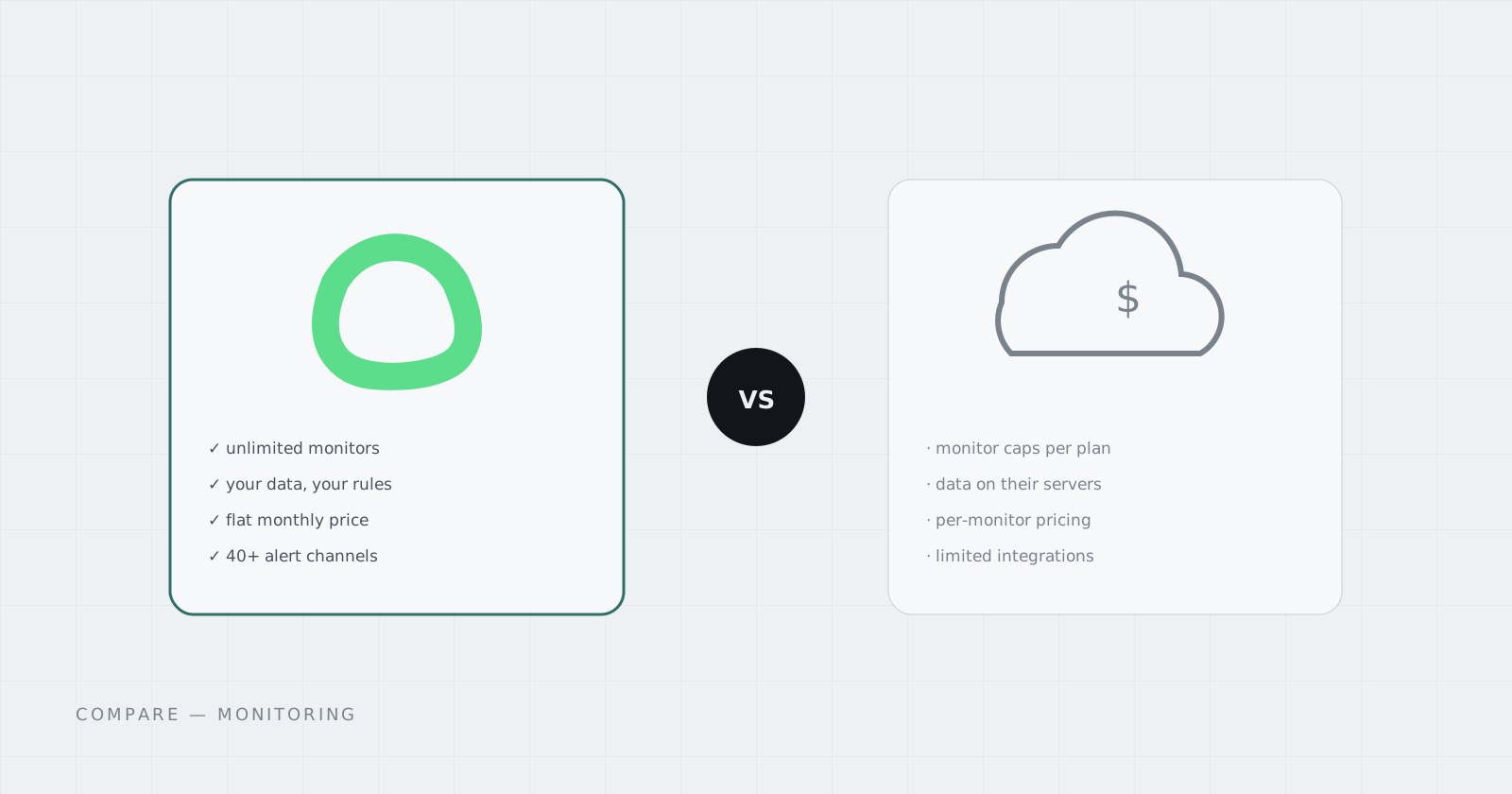
If you just need “tell me when it’s down,” hosted monitors like UptimeRobot are the easy first answer — sign up, add URLs, get alerts. So why do so many people end up self-hosting Uptime Kuma instead?
What hosted monitors give you
A hosted service takes zero setup and handles its own uptime (yes, someone has to watch the watcher). Free tiers exist — typically around 50 monitors at 5-minute intervals — and paid plans scale from there, priced per monitor count and check frequency.
The limits show up quietly: monitors per plan, slower check intervals on cheaper tiers, branded status pages behind paywalls, and notification channels gated by tier.
What Uptime Kuma gives you
- Unlimited monitors — the only ceiling is your instance, which for uptime checks is tiny
- Rich check types — HTTP/S, keyword, TCP, ping, DNS, Docker, Steam, and more
- Status pages — public pages you control, on your own address
- 40+ notification channels — Telegram, Discord, Slack, webhooks, email, push — not a paid-tier perk
- Your history — latency and incident data lives in your instance, exportable, yours
The honest comparison
Hosted SaaS removes the “run it yourself” burden and charges you per-monitor for the privilege — which inverts when you monitor more than a handful of endpoints or want fast check intervals. Self-hosting Kuma costs you a small always-on instance and, traditionally, the setup work.
The Pod card below is the version without the setup work: a dedicated Uptime Kuma instance at $2.99/mo — less than most hosted monitor tiers — with persistent history and its own Address for your status page.