Running a small app on the internet should not start with infrastructure homework. But it usually does: pick a VPS size, pick an OS image, install Docker, configure TLS, set up a reverse proxy, figure out how much RAM the thing actually needs, and hope you guessed right.
Cadesia removes that whole layer. The unit you interact with is the App, not the machine.
One choice, not five
When you create a Pod you make exactly one meaningful decision: which App to run. Resources come with it — vCPU, memory, and disk are configured per App for the workload it actually has. Uptime Kuma needs less than an agent runtime, so it costs less and gets less. You never see a size picker because there is nothing to pick.
Each App is a single Starter SKU with one monthly price. No per-seat pricing, no per-execution fees, no calculator.
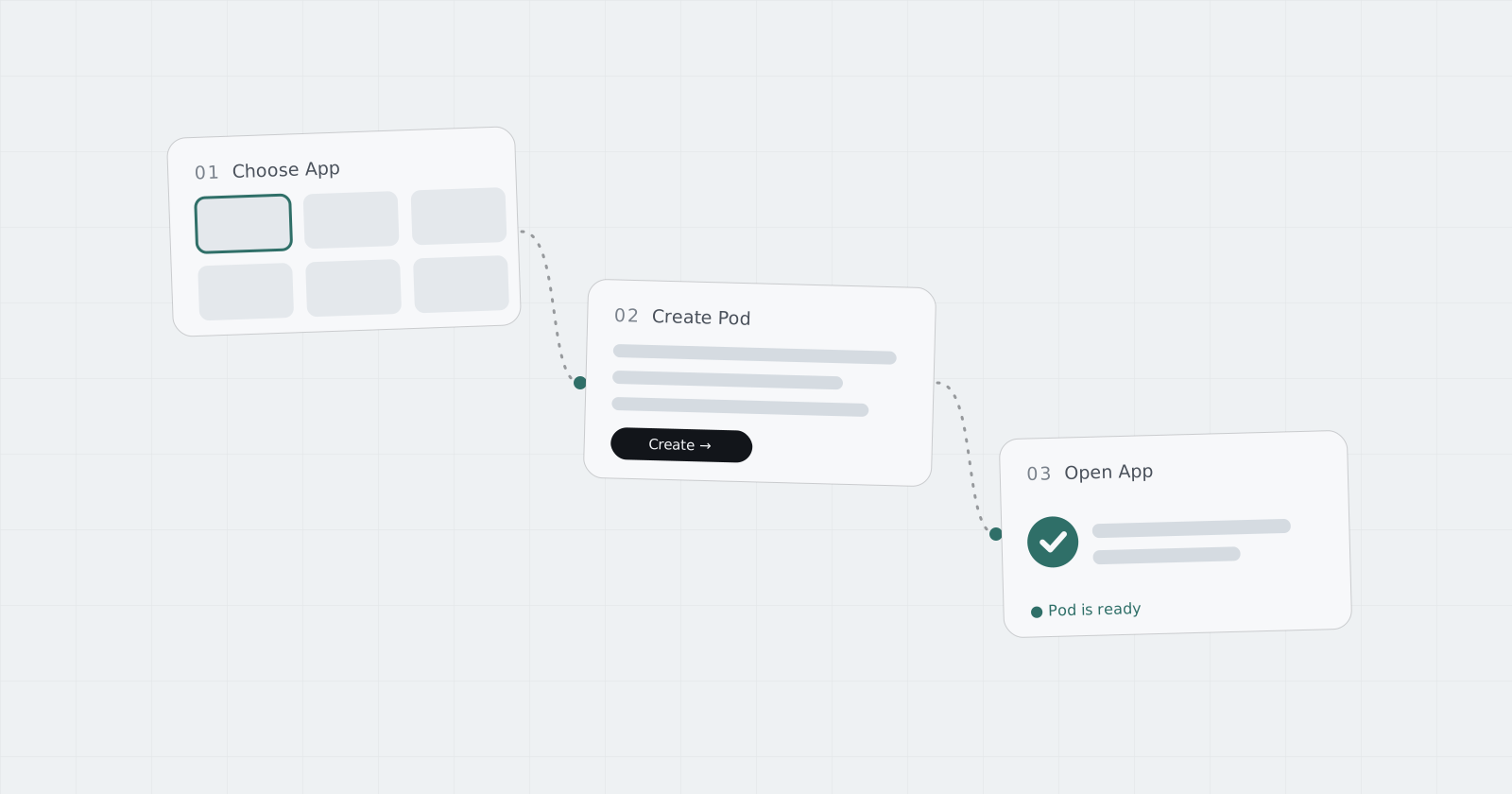
The flow is three steps
- Choose App — browse the library and pick what you want to run.
- Create Pod — name it, fill in App-specific fields (an admin password here, an API key there), confirm the price.
- Open App — when the Pod is ready, open it directly from its generated Address.
Logs and terminal access stay available from the console, but they are there when you want them — not something you must set up first.
Infrastructure still exists, just not for you
Under the Pod there is real infrastructure: isolated runtimes, persistent volumes, networking, TLS, orchestration. Cadesia runs it. The platform is built around workloads instead of servers — Pod is the first live layer, and Compute is on the line behind it.