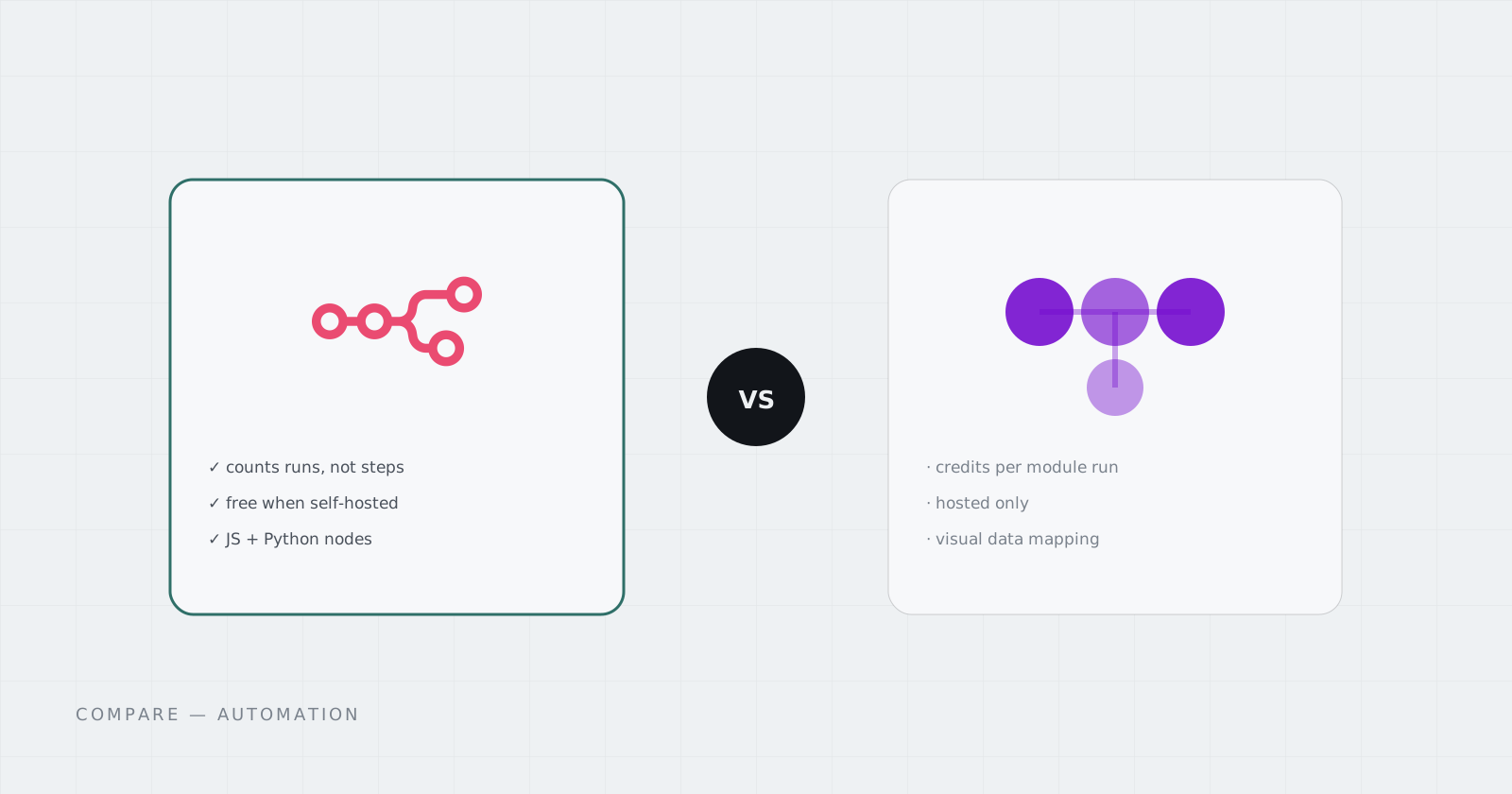
Make and n8n are the two visual automation tools people compare most once they’ve outgrown Zapier. (We covered n8n vs Zapier separately.) Both build workflows as a graph of steps. The real differences are how they bill and where they run.
Short answer: Make is easier to start and fully hosted, but every step in every run uses credits. n8n counts whole runs on its cloud plans and nothing at all when self-hosted, and it lets you drop into code. Busy or data-sensitive workflows usually end up on n8n.
How Make bills
Since August 2025, Make bills in credits. Each module that runs in a scenario uses credits.
- Free: 1,000 credits a month, with scenarios running at most every 15 minutes.
- Core: from $9 a month for 10,000 credits, with 1-minute scheduling.
- Pro and Teams: more features, same 10,000-credit starting point.
- Extra credits cost more on higher plans and expire at the end of the billing period.
Credits are counted per step, so a 10-module scenario that runs every 5 minutes uses about 86,000 credits a month. That’s roughly nine times a plan’s base allowance.
How n8n bills
n8n Cloud bills by workflow execution. One run is one execution, however many nodes it has.
- Starter: €20 a month billed annually (€24 monthly) for 2,500 executions.
- Pro: €50 a month billed annually (€60 monthly) for 10,000 executions.
- Community Edition: self-hosted, free, no execution limit.
The same 10-step workflow every 5 minutes is 8,640 executions a month, which fits on the Pro plan. On a self-hosted instance it’s just 8,640 runs; nothing is counting.
Where Make wins
- Faster onboarding. The scenario editor is friendly, and the app catalog is huge.
- Nothing to host. No server, no updates, no backups.
- Nice data mapping. Visual mapping of arrays and fields is one of Make’s real strengths.
Where n8n wins
- Cost shape. Billing counts runs, not steps, or nothing at all when self-hosted.
- Code when you need it. JavaScript and Python nodes, npm packages, and real branching and loops.
- Your data stays with you. Self-hosted, credentials and payloads never leave your infrastructure.
- AI built in. Agent nodes, fallback models, and tools. (See what’s new in n8n 2.40.)
Side by side
| Make | n8n | |
|---|---|---|
| Unit of billing | Credits per module run | Executions per workflow run (cloud); none self-hosted |
| Entry paid plan | From $9/month, 10,000 credits | €20/month annual, 2,500 executions |
| Self-host option | No | Yes, free Community Edition |
| Custom code | Limited | JavaScript and Python nodes |
| Data residency | Make’s cloud | Wherever you run it |
Getting n8n without the server work
The reason people stay on Make is usually maintenance, not features: self-hosting n8n means Docker, TLS, updates, and backups. On Cadesia, n8n runs in its own Pod with an HTTPS Address, persistent storage, and a flat monthly price, with no execution counter from us. Start from the App Library or the Automation Starter Solution.
Questions
How does Make count usage?
Make switched from operations to credits in August 2025. Each module run in a scenario uses credits, so a ten-step scenario that runs once uses about ten. Paid plans start at 10,000 credits a month.
How does n8n count usage?
n8n Cloud counts workflow executions: one run of a workflow is one execution, however many steps it has. The self-hosted Community Edition doesn't count executions at all.
Is self-hosted n8n free?
The Community Edition is free and open source. You pay for the server it runs on and the time to maintain it, or for a managed host that does that for you.